
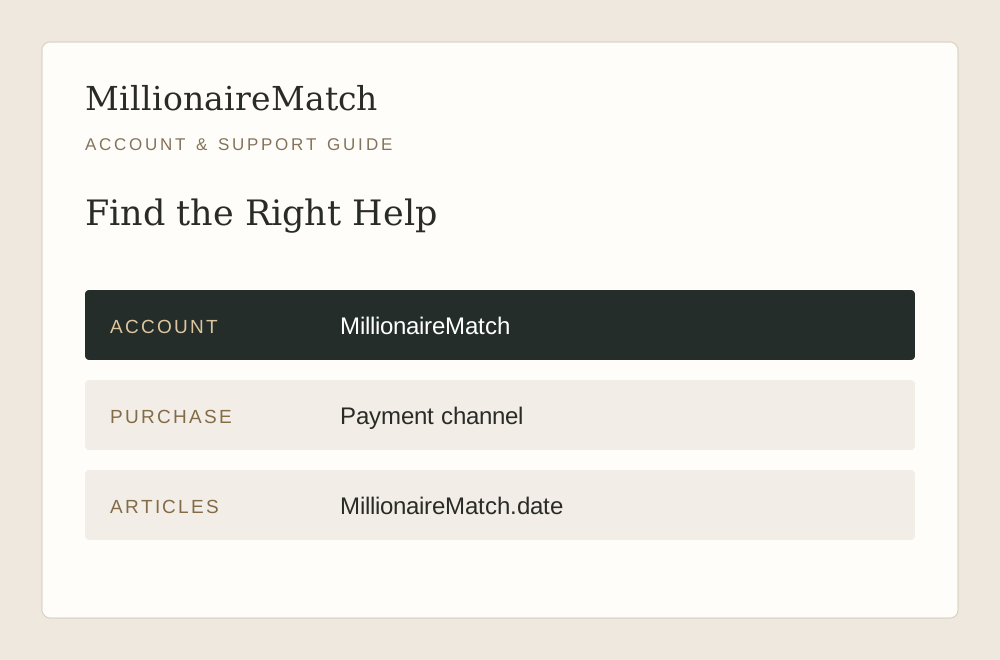
Use the Dating Service for Account Help
For a profile, login, payment or moderation issue, open the official service and use its Help and FAQ or Contact Us route. The official App Store listing also publishes Support@MillionaireMatch.com. Confirm a contact through the current service before sending account details, especially if an address came from an unsolicited message.
Our Contact page is for this independent information website. We can receive a correction to an article or a report of a broken link here, but we cannot view chats, approve profiles, issue subscription refunds or change an account status on MillionaireMatch.
That distinction is particularly important for sensitive information. Do not email passwords, identity scans or payment-card details to this website in the hope that we can forward a case. Start with the operator that controls the account and provide only the information its verified process actually needs.
Match the Request to the Problem
| What Happened | Useful Starting Point |
|---|---|
| You cannot access an existing profile | Login recovery or account support |
| A charge or renewal is unclear | Receipt and original purchase channel |
| A photograph or profile is under review | The moderation notice and account help |
| A call, upload or page fails | Technical details and the visible error |
| Another member behaves suspiciously | In-product reporting with relevant evidence |
| A guide on this website is inaccurate | MillionaireMatch.date Contact page |
These routes are not interchangeable. A password reset will not necessarily resolve a moderation hold, and deleting an app does not answer a billing question. Identify the action you were trying to complete before deciding which request to send.
If more than one issue is involved, describe the sequence. For example, explain that a purchase was completed and access then failed, rather than presenting two disconnected complaints. A clear timeline helps support understand whether the events may be related.
For Login Problems, Preserve the Exact Notice
Record whether the service reports an incorrect password, asks for verification or shows another account-status message. Those are different conditions. Check the intended email address and use the recovery option when the problem is a forgotten credential.
The login guide walks through those distinctions. It also explains why creating another profile is not a reliable way to recover an existing account. A duplicate account can make it harder to identify where the original conversations or membership belong.
When contacting support, include the relevant account identifier through the verified channel and describe the last successful access. Never include the password itself or a live recovery link. Those details provide access, not useful diagnostic context.
For Billing, Begin With the Receipt
Find the purchase confirmation and identify whether the transaction came through the website, Apple or Google Play. Include the date, plan and transaction reference when the appropriate support route requests them. A screenshot of a price alone may not identify the purchase you actually made.
State the question precisely. Are you asking about a renewal date, access not appearing, an unfamiliar charge or a cancellation result? Each requires different evidence. Avoid making another purchase as an experiment while the first transaction remains unclear.
The membership cost page explains the difference between a monthly equivalent, the total charge and renewal. It also distinguishes subscription management from profile visibility. We cannot determine a refund entitlement; the applicable purchase terms and payment channel govern that decision.
For Photo Review, Respond to the Actual Requirement
If an image is rejected or remains under review, read the notice before uploading the same file repeatedly. The concern may involve the image's content, clarity or compliance with a specific rule. A different crop will not solve every kind of issue.
Use genuine, current photographs that represent you. The service's published community guidance prohibits AI-generated profile photos, so do not substitute a synthetic portrait for a verification problem. If you believe a decision is mistaken, explain why through the official process without inventing another identity.
The sign-up guide covers preparation for an honest introduction. For an account-specific review, support needs the relevant notice and context, not a public debate involving your private images or other members' profiles.
For Technical Failures, Make the Report Reproducible
Describe the device, browser or app version, the action taken and the result. “The camera button opens a permission notice, then the call closes” gives more information than “video does not work.” Include whether the issue happens consistently or only in a particular situation.
If a screenshot helps, crop or redact unrelated private content before sharing it through the official support route. Keep the visible error and enough interface context to explain it. Remove passwords, payment details, recovery links and other people's conversations that are not relevant to the issue.
Do not install an unofficial repair tool or modified app suggested by a stranger. Use the recognized website and store versions. A troubleshooting step should make the issue easier to understand without introducing a new access or privacy problem.
For Member Reports, Describe Conduct Rather Than Speculation
Use the service's reporting tools for suspicious or inappropriate behavior. Identify the relevant profile and state what happened in a concise sequence. A request for money, a threat or repeated pressure after a boundary can be described directly without claiming to know every detail of the person's identity.
Retain relevant evidence where possible, but do not circulate private material to unrelated people. Reporting is different from publishing an accusation. Keep the information with the people who can review the account and apply the service's process.
Our safety guide covers the broader context. If the situation creates an immediate threat, prioritize appropriate local assistance instead of relying only on a platform response. An online support queue is not a substitute for urgent help.
Make One Clear Request and Keep Its Reference
A useful message contains a short subject, the problem, the relevant sequence and the action you are asking support to consider. You do not need to include a complete dating history. Give enough context to make the issue understandable, then let the support process request anything further it legitimately needs.
For example, a technical request might say that the Android app closes when opening a particular screen, identify the app version and ask how to restore access. A billing request would instead identify the purchase channel and transaction. These examples show structure, not instructions to disclose private details here.
Keep any case reference and reply in the same thread when appropriate. Repeated new requests with different descriptions can fragment the information. If you follow up, add a meaningful update or explain what remains unresolved rather than resending unrelated material.
Return to the Right Product Action After Resolution
Once the issue is addressed, check the visible result. Confirm that you can access the intended account, that the expected entitlement appears or that the relevant setting reflects your choice. A support response and a changed product state are related, but you should understand both.
If the result is not what you expected, describe the remaining discrepancy using the original reference. Avoid guessing that a different purchase, a new profile or another upload will complete an action the operator needs to handle.
For corrections to our guides, use our Contact page and identify the article and statement involved. Keeping editorial feedback separate from account support helps both kinds of question reach the correct place, with less unnecessary exposure of personal information.